Disable a workflow
- Go to the Workflows page in your dashboard.
- Click the toggle beside a workflow to disable it.
Delete a custom workflow
Deleting a workflow is permanent and removes its configuration and run history.- Go to the Workflows page in your dashboard.
- Click the settings button beside a workflow.
- Click Delete.
View run history
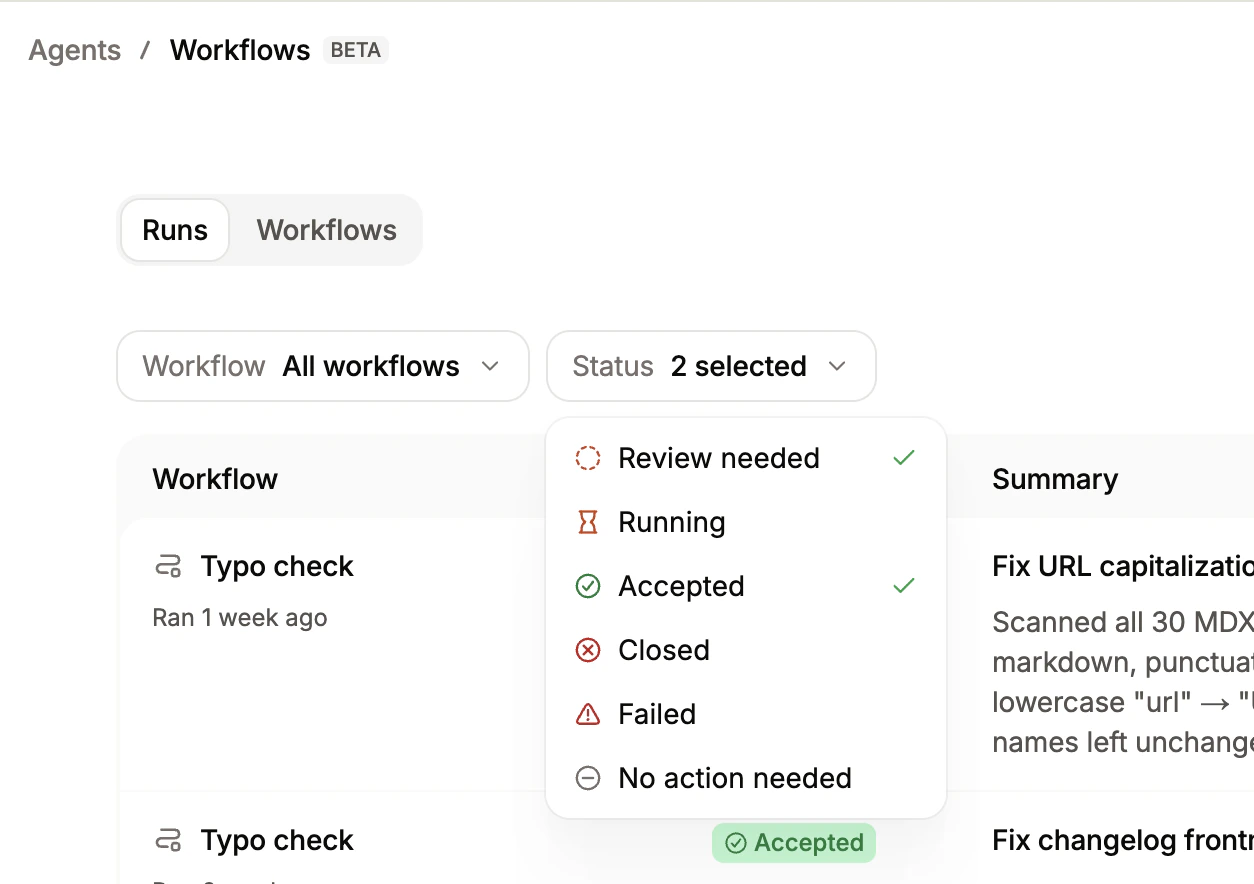
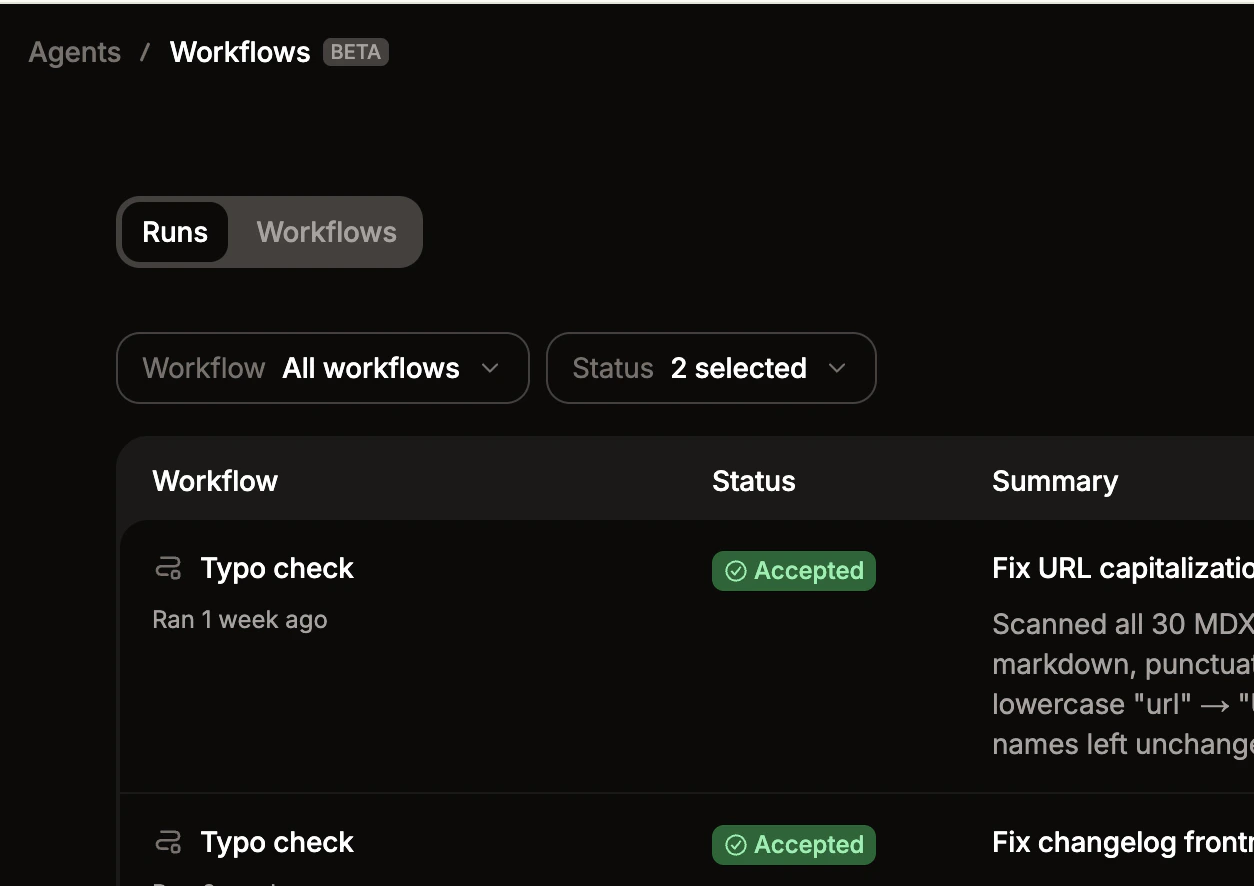
Each workflow keeps a log of past runs, including the status and a summary of changes made.- Go to the Workflows page in your dashboard.
- Click a workflow.
-
Use the dropdown menus to filter by specific workflows or status.